
Basic Computer Course
About Course
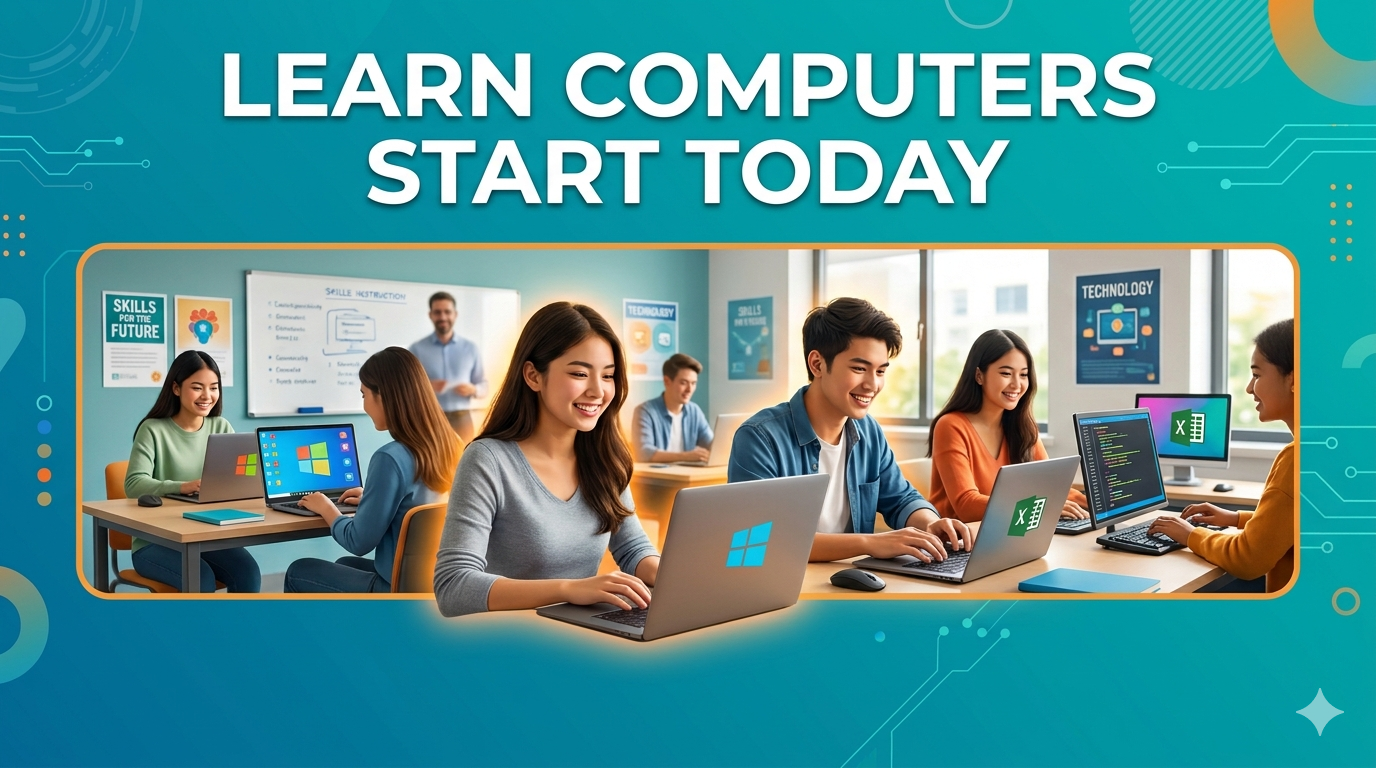
The Basic Computer Course is designed to introduce students to the fundamentals of computer operation and digital skills. This course helps beginners gain confidence in using computers for daily, educational, and professional purposes. Students will learn about computer hardware and software, operating systems, typing skills, file management, internet browsing, email usage, MS Office applications (Word, Excel, PowerPoint), and basic online services.
The course focuses on practical learning with hands-on training, making it suitable for students, job seekers, homemakers, and beginners of all ages. After completing the course, learners will be able to operate a computer independently and perform essential digital tasks efficiently.
Course Content
Introduction to Computers
-
Introduction to Computers
-
Assessment
Types of Computers
Parts of a Computer
Input and Output Devices
Operating System Basics
Using Windows/Desktop
File and Folder Management
Student Ratings & Reviews

No Review Yet